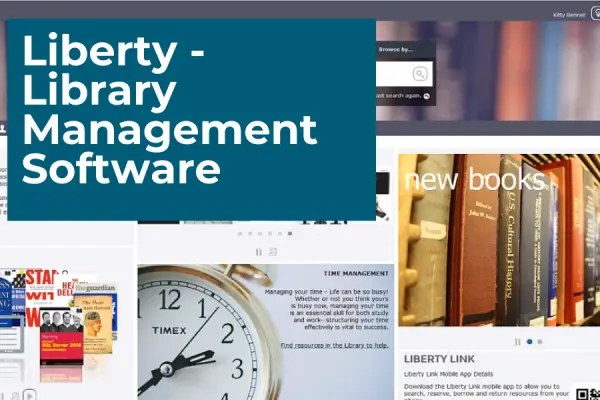
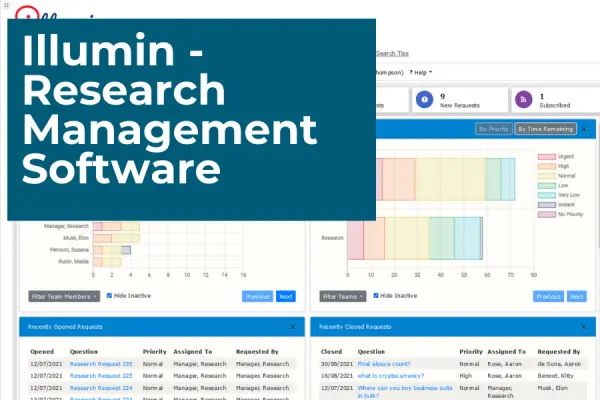
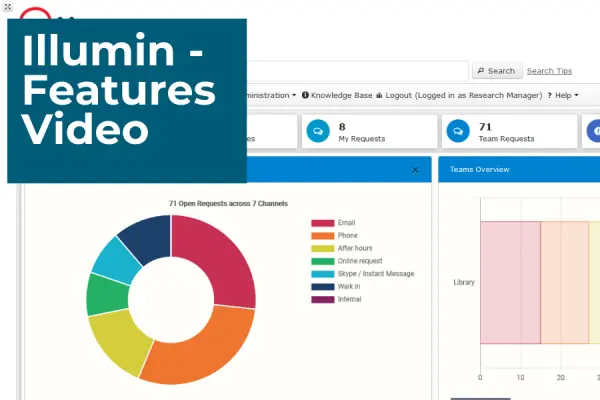
Research libraries have always been centers of knowledge and innovation, but the role they play today is vastly different from what it was even a decade ago. As the research landscape grows more complex, combined with rapid digital transformation, traditional systems can no longer keep up. To meet these demands, research libraries are transforming. Integrated solutions such as Liberty Digital and illumin, replace outdated systems with flexible platforms purpose-built for today’s knowledge and research management needs.
In today’s rapidly evolving world of library and information management, choosing the right Integrated Library System (ILS) can transform your library’s operations and enhance the user experience. This guide will walk you through what an ILS can do for your organization, the key considerations to keep in mind, the must-have features to look for, and the practical steps to make the right choice. And if you pair it with our latest webinar, Time to Switch? How to Know (and Do) an ILS Upgrade Right, you’ll have both the strategy and the confidence to take your next step.
In our most recent post, we went through three of illumin’s most popular features – Advanced Search, Filters, and Pinning Views. But what about illumin’s newest features?
A Knowledge and Research Management System helps research teams organize their workflows efficiently, reducing time spent searching for information and increasing productivity. Softlink IC’s illumin, provides features such as filters, advanced search, and pinning views so teams can streamline their research workflows, track requests, and surface the insights that matter. Here’s a closer look at how these features help research teams work smarter.
You already know your current system isn’t meeting your needs, but how do you get key decision-makers to see this, and convince them it’s time for a change?