
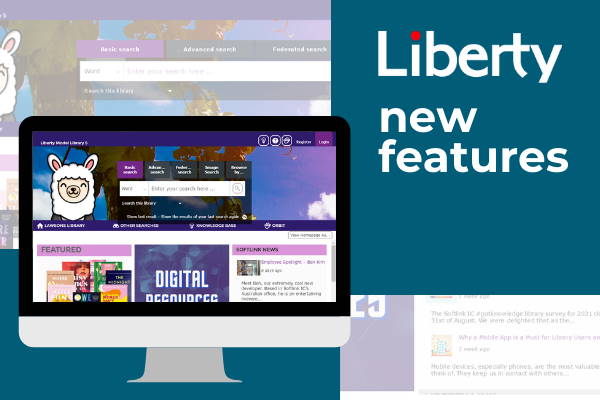
There are, of course, more new features and enhancements in the latest release, but we did need to draw a line in the sand.
Here’s Our Top 5 List
Here are our top 5 new features and enhancements in the now available Liberty v5 Build 8.049 release:
1. A Reservation History option that enables staff to browse, search, sort, and report on reservation history records in one place. A quick and easy way for staff to monitor what titles and subjects continue to be popular with their users.
2. Reservations can now be deferred to a specified date. This means resources are not removed from general circulation if users who reserved them are unable to collect their reserved items when they become available. Logged in library users can defer one or more of their reservations via their My Portal page, while library staff can defer a reservation for a user via Circulation.
3. Embedded MP4 videos and images will display in the Detail screen of applicable resources returned in the OPAC Search Results page. This makes videos and images automatically available, and easy to view, as soon as they are cataloged!
4. Suppliers can now be flagged as Inactive. As a result, inactive suppliers will not display in the drop-down list displayed when staff need to add a supplier to an order.
5. The Series field in Details page of titles, included in the OPAC search result list, now includes a list of linked titles in the Series held by the library. This makes navigating to the clearly identified related titles, which are sorted by Series Part and Publication Date, very easy to access.
As with every release, there are comprehensive release notes that provide a good explanation of all the new features. The release notes can be found in the Help interface.